This story starts with one very small problem: I wanted to hear a song.
Not a song on a phone through one tiny speaker that sounds like a broken radio. I wanted it in the room, a bit loud, and I had two phones plus a tablet that could all be speakers. So why not all three?
Because when three devices play the same song unsynced, you don’t get a big speaker. You get an echo. One phone is in the second verse, another still in the first, and the third keeps stuttering on the buffer.
The real requirement wasn’t “play a song”. It was every device hearing the same moment, at the same time. That’s what I built: a small site called Sync Stream.
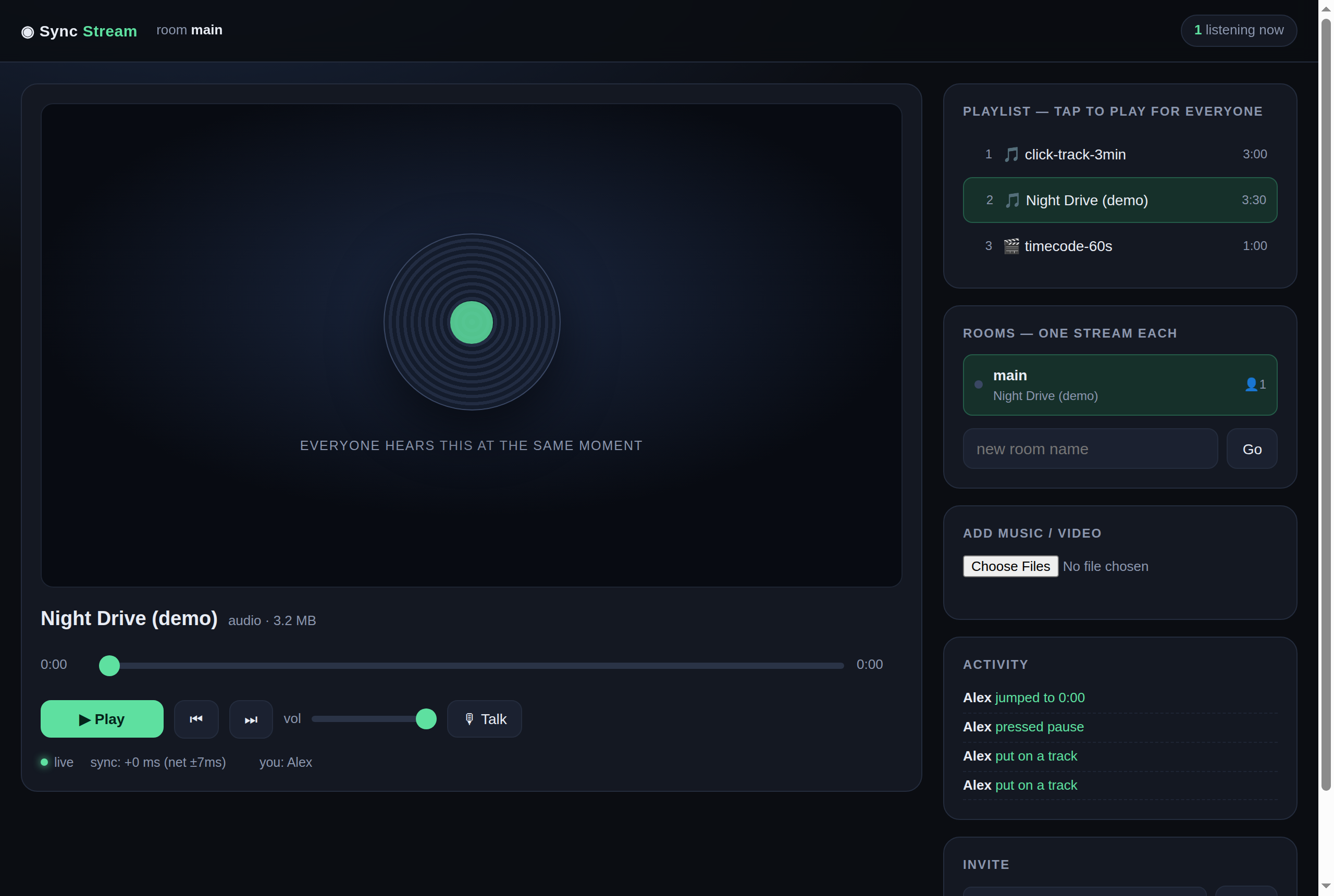
sync: +0 ms (net ±7ms).Why not use an app that already exists?
I tried. The apps aren’t bad — they just want the song in their catalogue, their account, or their subscription. My files are in my own folder. I want those.
And one more thing: one tab, one phone, one tablet and one desktop should join the same “room” with nothing installed. Guest wants to listen? He opens a link.
So the list became this:
- One playhead for everyone — play, pause, seek, change song, everybody follows.
- Anyone can control it. No “host” leaving a tab open.
- The station keeps running when nobody’s watching. Close the phone, next song still comes on.
- Separate rooms, so my playlist doesn’t mix with other people’s.
- One thing I didn’t expect to need: a mic button for the “DJ” to talk over the song.
The hard part is time, not sound
Streaming audio is easy. The hard part is making three devices agree what “now” is.
Each device has its own clock, and each is late by a slightly different amount. Send “play at second 42.0” and let each device read it on its local clock, and you still get an echo.
So the server is the only source of truth. Every state change is stored as one anchor:
{ "mediaId": "song.mp3", "playing": true, "posMs": 0, "anchor": 1792125755489 }anchor is the server clock at the moment posMs was correct. So each client works it out: if playing, the position is posMs + (server_now − anchor).
The catch: the client doesn’t know the server clock. The fix is small and exact — four quick time requests, take the sample with the lowest round trip, use that as the server clock. Network delay and clock skew cancel out.
After that, every 200 milliseconds, the client does one of two things:
- Snap — jump to the right position: on a state change, when a new file loads, when the error passes 600 ms, or when it passes 200 ms and 2.5 seconds have passed since the last snap.
- Nudge — shift playback speed ±5% so the gap closes inaudibly. That’s what makes small corrections unfelt.
Snap is the guarantee. Nudge is polish. Some browsers ignore small playbackRate changes outright — reporting 1.05 while the audio clock runs at 1.00. Rely on nudge alone and one device always falls behind.
Measured between two browsers: 10–150 ms. The ear can’t tell that from “in sync”.
The snap that failed, and a phone 20 seconds behind
This one took me ages to get. A browser can only seek inside the part of the file it has loaded. Ask it to jump to a second that isn’t in the buffer and it gives no error — it stays quietly where it was.
And because my code marked “snap succeeded” the moment the instruction went out, the loop looked healthy forever. In one test, one phone sat 20 seconds behind while two were right.
The fix:
- After a snap, wait ~800 ms and compare
currentTimewith the target. More than 2 seconds off = seek refused. - Repair by reopening the source at that offset —
src#t=secondmakes the browser request that range, not download from zero. - Cap the repairs (each costs a reload, ~8 seconds apart) and name the state in the status line:
🔄 catching up….
My rule now: a device that’s behind must look like it’s being fixed, not like a mystery.
The station must run with nobody listening
Another thing I found using it: close the browser and the music stops at the end of the song. Structural — a playlist advanced only by clients stalls when there are none.
So the server advances the room itself, once a second, by file duration:
- No listeners → advance exactly at the end of the song. One file only? It loops forever.
- Listeners → wait duration + 2 seconds. The client’s
endedevent is more accurate and arrives first; the server only rescues frozen or backgrounded tabs.
Important: never advance before the duration. I tried 250 ms early once and every song lost its ending. Listeners hear a cut song, not a finished one.
The phone: the browser fights you
Two things in a phone browser you can’t get around:
One, audio won’t start without a user touch. Two, a background tab can be killed any time. Neither is a bug you can patch with JavaScript.
So I wrote a small Android shell — WebView plus a foreground service. Four jobs:
mediaPlaybackRequiresUserGesture = false— sound starts by itself every time the app opens.- Foreground service — switch apps or lock the screen, music keeps playing.
- Lock screen controls — the play/pause button on the notification presses the room button, so a lock-screen pause pauses for everyone.
- Persistent session cookie — the password is typed once.
No third-party libraries. Platform APIs only.
Rooms, volume, and the DJ
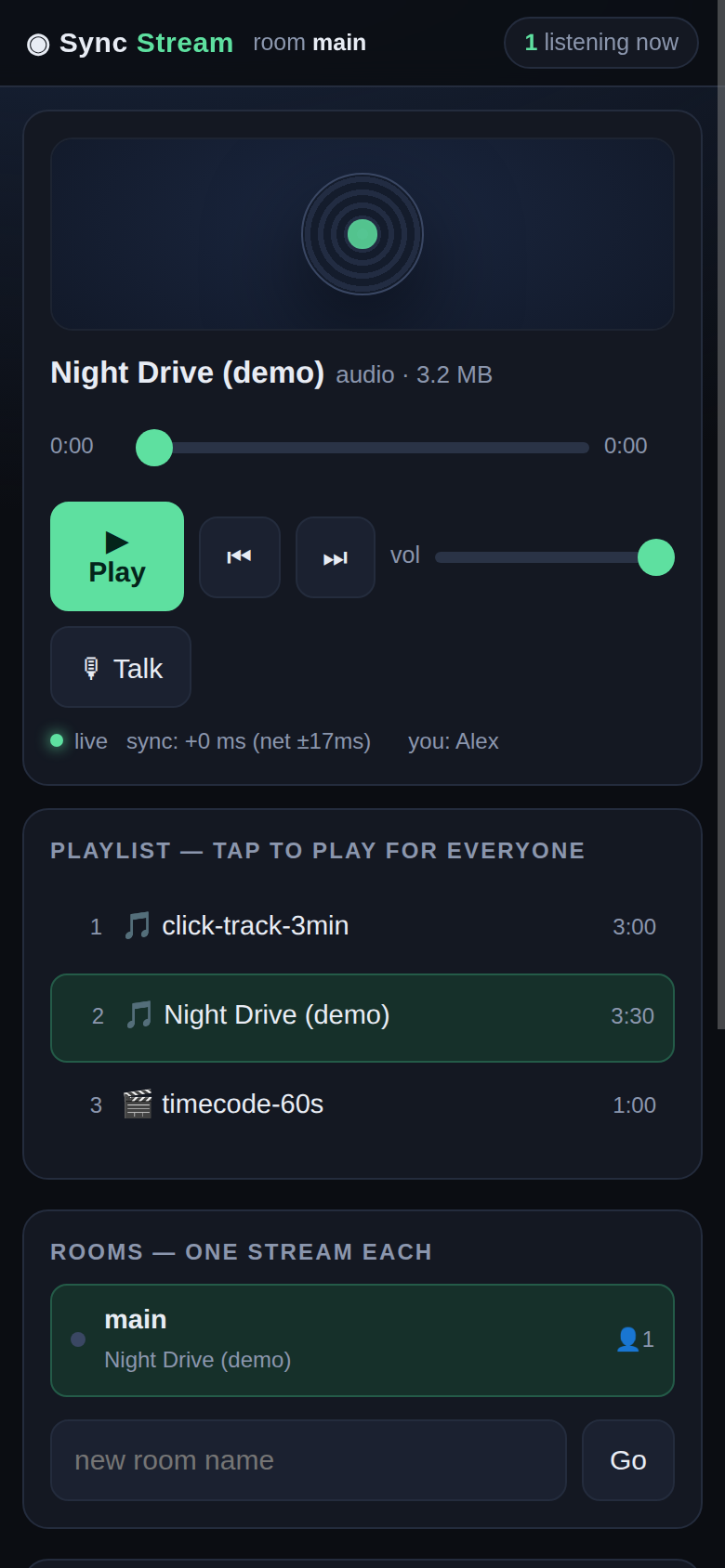
Each room has its own stream, position and listener list. The link is simple: /r/room-name. Rooms and what’s playing survive a server restart.
Volume is a room setting, not per device. Turn it down once, it’s down everywhere — like one speaker. That’s what makes three devices one system, not three apps.
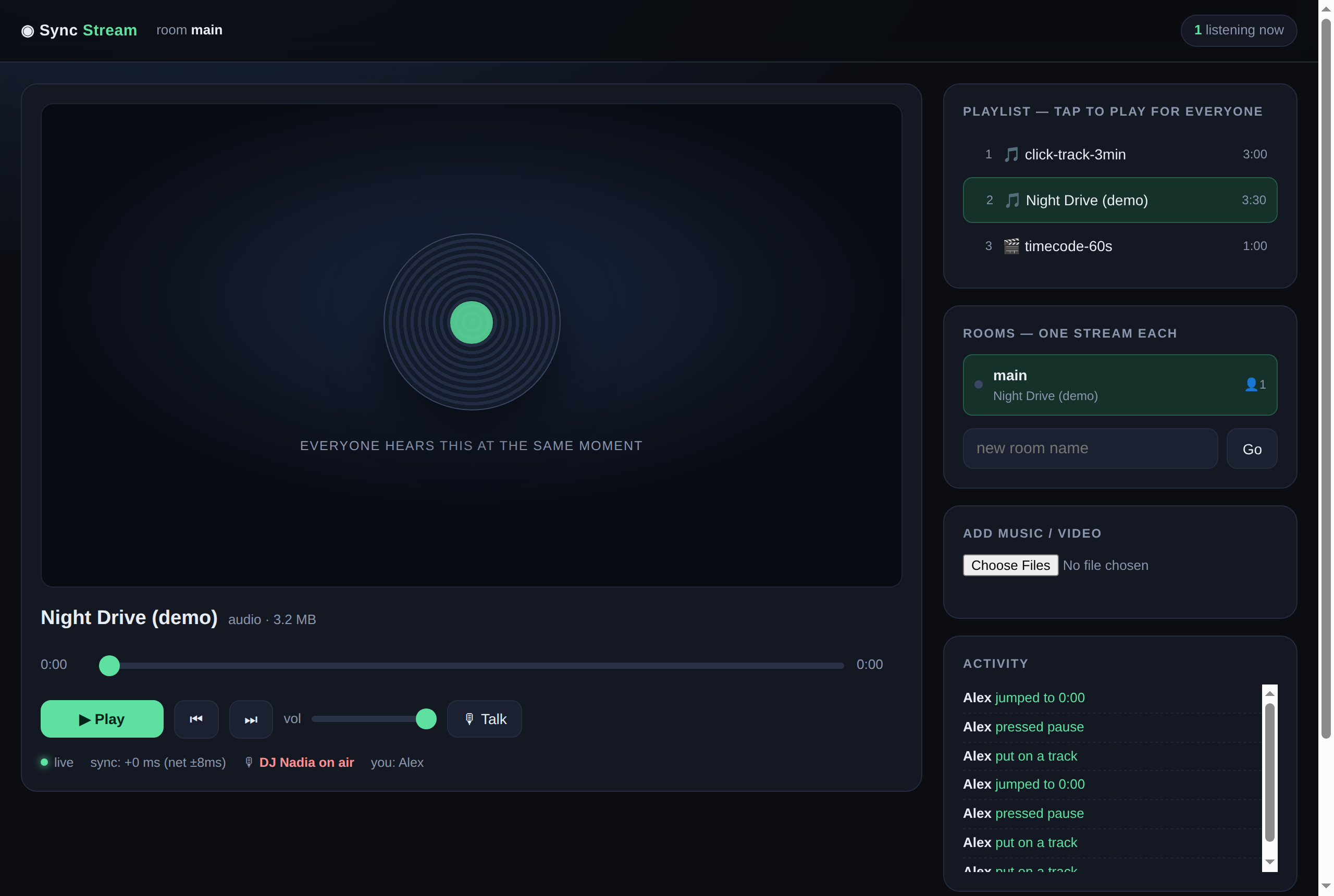
And the DJ: press the mic button, your voice goes to every listener, and the music drops to 18% — not muted. Stop talking and it comes back up. Mic audio is raw 12 kHz PCM so any browser can play it; about 32 KB/s per listener, only while talking.
What I learned
A few things I’ll remember, none about music:
- Measure first, don’t feel. “Feels slow” and “is slow” are different things. Every time I jumped at a fix, I fixed the wrong place.
- The guarantee must exist even when the polish fails. Snap saves the sync; nudge smooths it.
- A state that “looks healthy” can hide failure. A snap the browser refused still reports success. Verify the effect, not the instruction.
- Don’t keep the session marker in
sessionStorage. It dies with the tab, and on Android every launch is a new session — so you press “Join” each time.localStorageis the only right answer. - A network error is not a navigation.
EventSourcereconnects itself. A handler that reloads on a dropped connection turns “the internet blinked” into “join again”.
Now
I listen to music from three devices in one room. One phone on the desk, one beside it, the tablet on the shelf. Same second on all three, and I can pause from any.
The DJ still hasn’t arrived. When he does, he just opens a link, types a name, and presses the mic button. Nothing to install.
The code is MIT and open at github.com/wzul/sync-stream — one Node file, zero npm dependencies, no build step. Two idle phones and a playlist of your own? You can run it in an afternoon.

Leave a Reply
You must be logged in to post a comment.