3 min bacaan
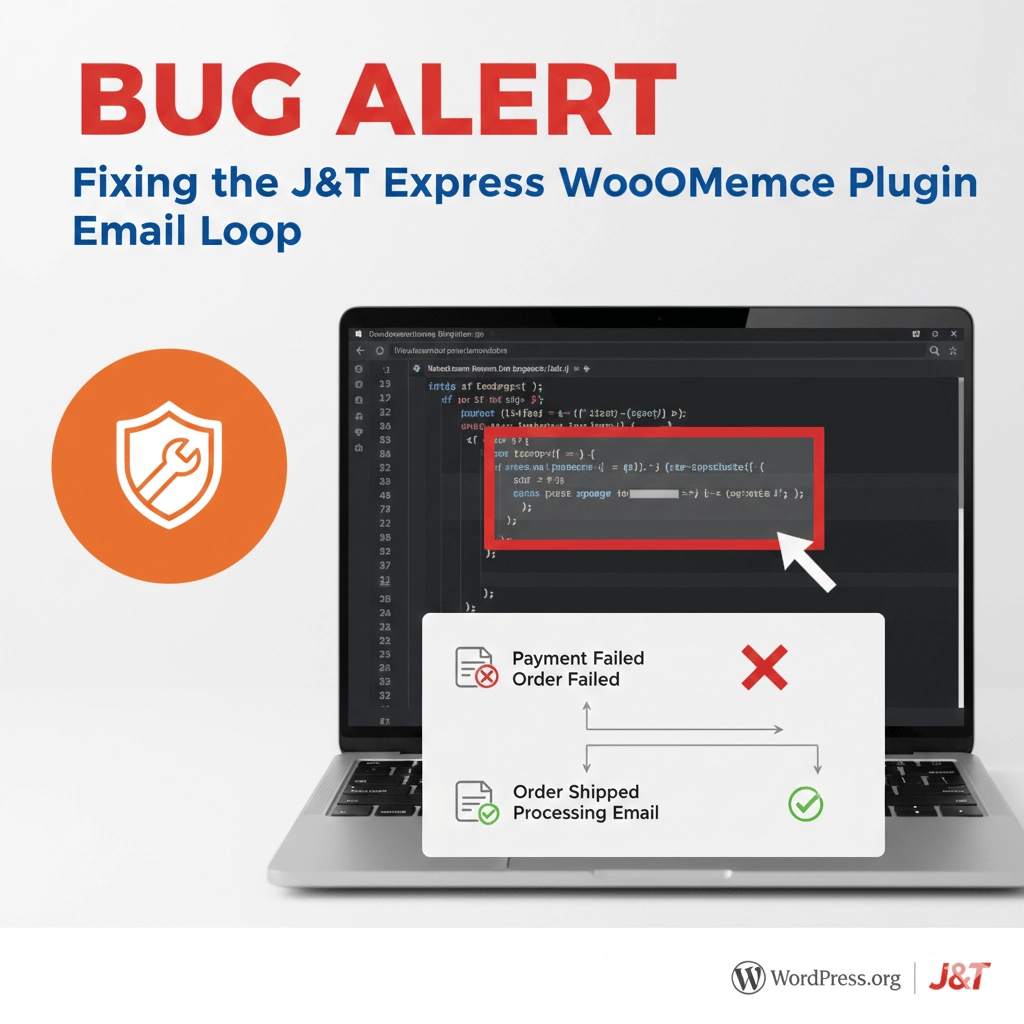
If you are using the J&T Express plugin for your WooCommerce store, you might have noticed a confusing behavior: customers receiving “Order Processing” emails even when their payment has failed or been canceled at the gateway.
As of February 13, 2026, this issue persists in the current trunk version of the plugin. Here is a breakdown of why it happens and how you can fix it.
The Problem: Global Email Triggers
The issue lies within the order_status_changed_notification function located in jt-express/admin/class-jnt-status.php.
The plugin hooks into woocommerce_order_status_changed. However, the code is structured such that the trigger() method for the “Processing Order” email is called every time any status changes, regardless of whether the new status matches J&T’s custom logistics statuses.
The Vulnerable Code
In the original file (around line 88), the logic looks like this:
public function order_status_changed_notification($order_id, $status_from, $status_to)
{
  $mailer = WC()->mailer()->get_emails();

  // If/Else checks for J&T statuses...

  // BUG: These lines run on EVERY status change (e.g., Pending -> Failed)
  $mailer['WC_Email_Customer_Processing_Order']->settings['subject'] = $subject;
  $mailer['WC_Email_Customer_Processing_Order']->settings['heading'] = $heading;
  $mailer['WC_Email_Customer_Processing_Order']->trigger($order_id);
}
Because the trigger() call isn’t wrapped inside a conditional check, WooCommerce fires a “Processing” email even if the order just moved from Pending Payment to Failed.
The Solution: Conditional Logic
To fix this, we need to ensure the email only triggers if the $status_to matches one of the specific J&T logistics statuses (jnt-pending, jnt-pickup, or jnt-out-delivery).
The Optimized Fix
Replace the function in class-jnt-status.php with the following code:
public function order_status_changed_notification($order_id, $status_from, $status_to)
{
  $mailer = WC()->mailer()->get_emails();

  // 1. Define our target statuses
  $target_statuses = ['jnt-pending', 'jnt-pickup', 'jnt-out-delivery'];

  // 2. Only proceed if the new status is one of ours
  if (in_array($status_to, $target_statuses)) {

    // Map statuses to their respective subjects/headings
    if ($status_to == 'jnt-pending') {
      $subject = $heading = 'Your Order is Pending to Pickup';
    } elseif ($status_to == 'jnt-pickup') {
      $subject = $heading = 'Your Order has been Picked up';
    } elseif ($status_to == 'jnt-out-delivery') {
      $subject = $heading = 'Your Order is out for Delivery';
    }

    // 3. Trigger the email ONLY for the statuses defined above
    $email = $mailer['WC_Email_Customer_Processing_Order'];
    $email->settings['subject'] = $subject;
    $email->settings['heading'] = $heading;
    $email->trigger($order_id);
  }
}
Why this works
By wrapping the logic in in_array($status_to, $target_statuses), we create a “gatekeeper.” If a customer cancels their payment and the status moves to failed, the code sees that failed is not in our $target_statuses list and simply does nothing. No more accidental emails!
Note to Developers: Since this is a core plugin file change, remember that updating the plugin in the future might overwrite these changes. It is recommended to keep a snippet of this fix or reach out to the J&T developers to implement this validation in their next release.
Found this helpful? Share this with other web builders using J&T Express to save them from customer support headaches!
Leave a Reply
You must be logged in to post a comment.